
Every MTM2 track has always stood on a grid of 32 ft triangles, with heights in 2 ft steps — the terraces and hard creases every track builder knows. Traxx can now build the ground on three finer grids, so a slope runs smooth instead of in steps, and a jump lip can be rounded or razor sharp.
Needs: Community Patch #4.
Note: this is the one feature where "needs" means more than usual. A track on any of the three new grids is not shown in the original game at all (it stays out of the track list), and an early build of the patch (before November 2026) loads it on the wrong ground, so test on a current build. A track left on Classic 8-bit is written exactly as before and runs everywhere.
There are four grids. File → New starts a track on any of them (the first entry, Classic 8-bit, is the usual Ctrl+N), and Special → Terrain Grid converts the track you have open.
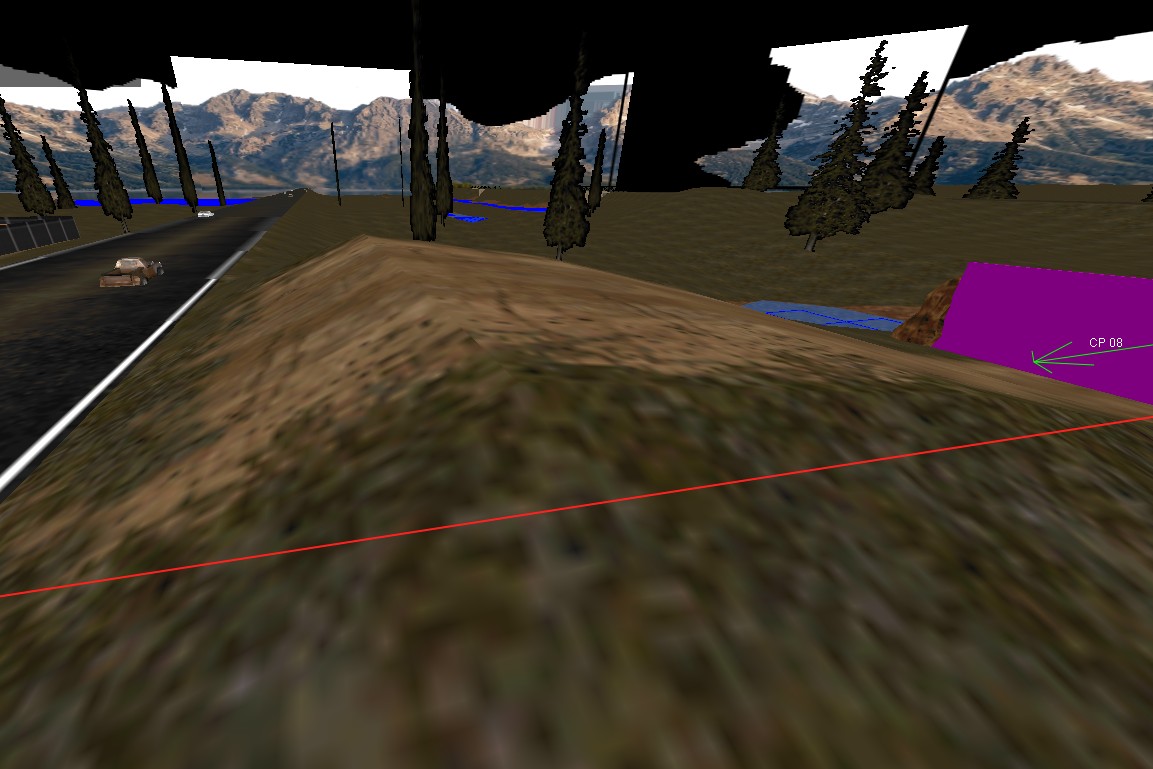
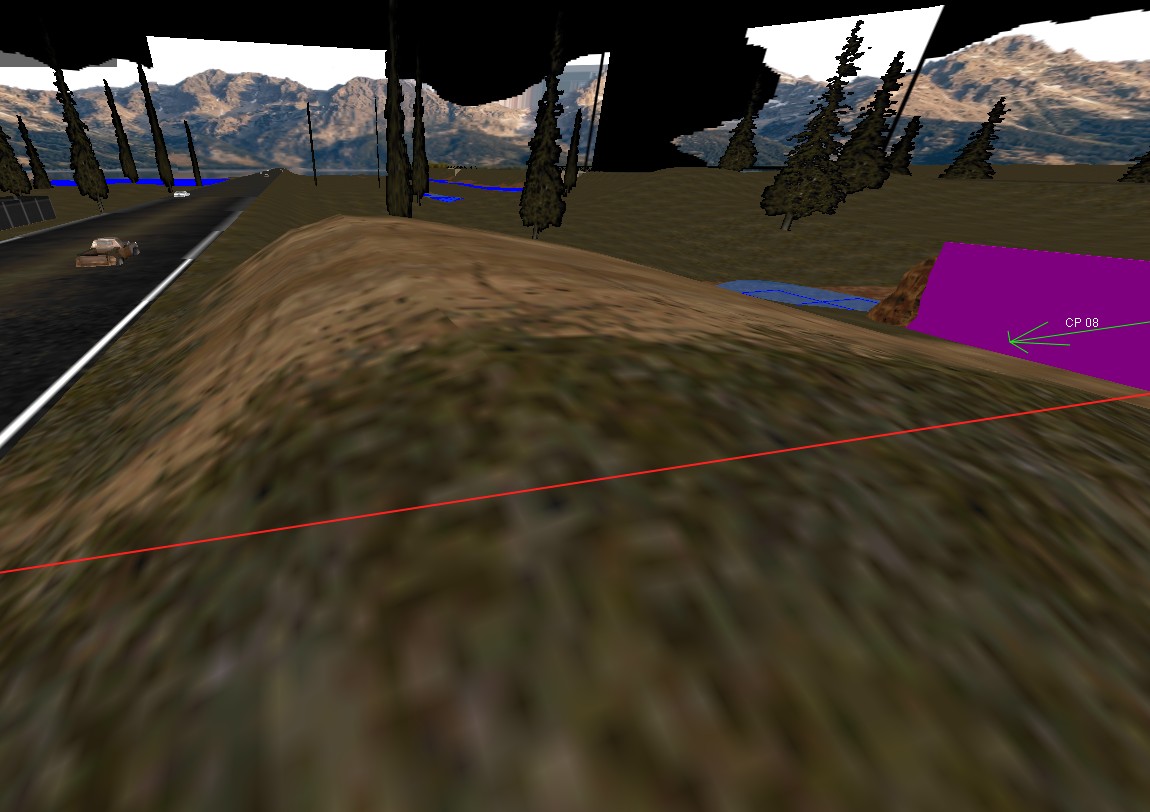
Open the track, then choose Special → Terrain Grid and the grid you want. The mark beside the entries shows which grid the track is on now.
Traxx always asks first. The question is titled Terrain Grid, and it spells out what the conversion will do to your heights. Answer Yes to convert, No to leave everything alone.
Note: if a conversion leaves a lake in trouble (see Lakes), Traxx says so once the view has redrawn. Fix the lake before you write the pod; Write POD refuses a broken lake.
A Full Map starts out as a copy of whatever surface the track had, so it is easy to end up with a mess of hand-made detail. Special → Terrain Grid → Smooth Full Map from 32 ft grid... starts over: it rebuilds every 8 ft point from the 32 ft points, using the game's own spline. The detail between the 32 ft points — crisp lips, ruts — is replaced.
It asks before it does it, and unlike a conversion it can be undone with Edit → Undo. The entry is greyed unless the track is a Full Map.
The brushes work as they always did, but on the new grids the Altitude box in the edit bar takes fractions. Type 1.2, or click its arrows to move by a tenth. It shows up to two decimal places. On Classic 8-bit the box still takes whole steps only, and rounds anything else you type.
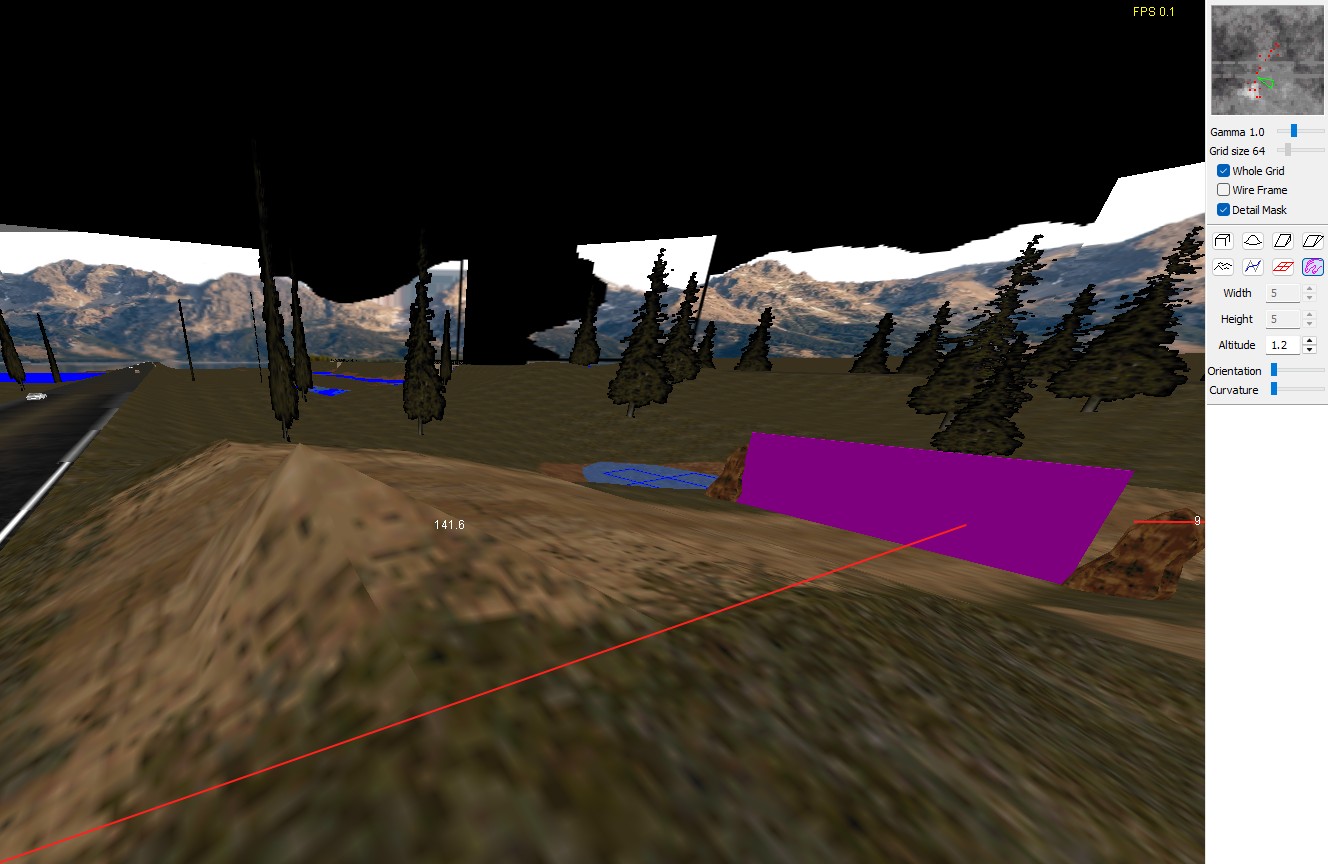
Two things change on a Full Map:
Adjust Terrain Heights and lakes work on every grid, and objects, light pools and the camera settle on the surface you see, so nothing floats over a rounded crest.
Note: the software view draws the 32 ft grid only, and says so in the status bar. To see the 8 ft ground, tick Use OpenGL Renderer under View → Options, on the General tab.
Special → Random Terrain opens the same Generate Terrain window as before, and it makes ground for the grid your track is on. A line at the top of the window names it ("For: 16-bit Full Map (1024 x 8 ft)", say), the preview is drawn at that size, and the window can be resized. The sliders are as the old page describes them.
AI trucks are not tuned for Spline and Full Map tracks yet, and Traxx says so when you convert. If your rumble or circuit has computer drivers, drive it with them before you call it done.
To check what the game actually loaded, open system\monster.ini in your game folder and put terrainLog=1 under [Graphics]. The game then writes a terrain.txt naming the terrain it found.
See also: Altitudes, The Side Bars, Random Terrain, Grasping It's Size.
| << Surface Meshes << | >> Height Maps >> |
