
MTM2's Swiss army knife, rebuilt. One window that opens a pod and shows you what is inside it — the models, the textures, the palettes, the tracks and the trucks — and lets you change any of it without leaving.
It is pronounced See-POD, and it exists because CH_2005 wrote the original. The program below is a successor to that work, not a replacement for it: the original C-Pod site stays online, and where these pages disagree with it, it is because the program changed rather than because the old pages were wrong.
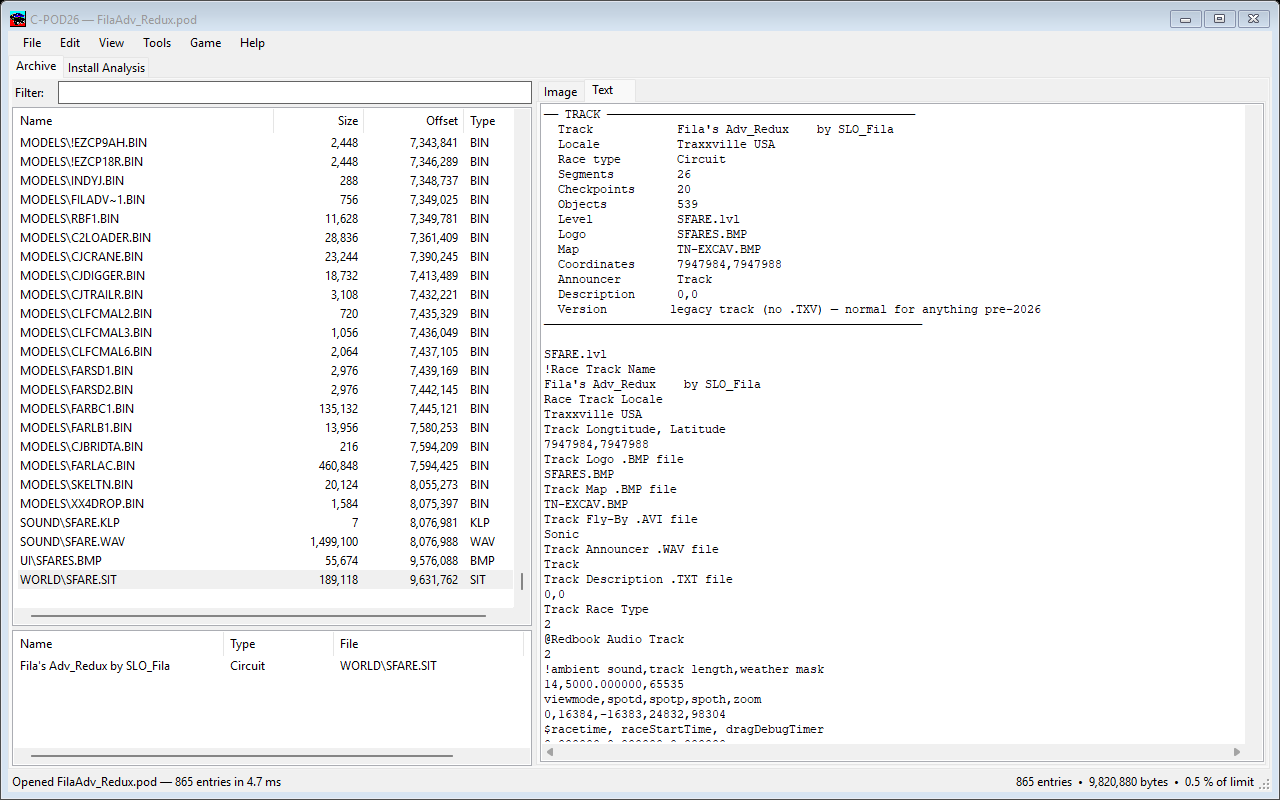
The original was a Visual Basic 6 program built around six list boxes. Most of what its documentation explains is still exactly right — the .LST format, the pod comment, why podzipping strips stock files, what the extensions mean — and those pages have been carried across close to word for word.
What did not survive is the click-by-click. The window is different, so any instruction that named a box or a checkbox has been rewritten against the program as it is now. Three of the old pages have been dropped rather than corrected; they are still readable on the original site, which is the right place for them.
