
mtm2.com MTM2.COM
Log in
The Monster Truck Madness Guild
mtm2.com / mtmg / cpod26

Preferences

Edit → Preferences, or Ctrl+P.
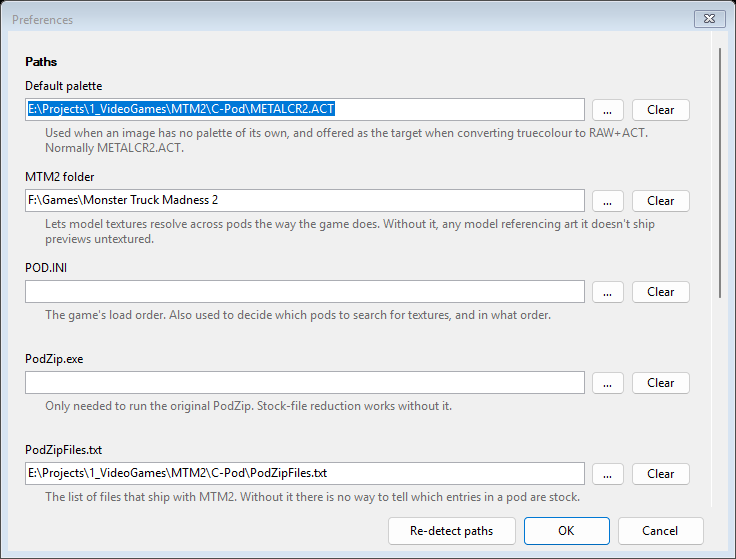
The Preferences window

Shortcuts

Three options, unchanged from the original, each adding or removing the shortcut rather than only creating it:

How you reach the program is entirely your choice; none of them is required. See Opening things for what happens when you hand it a file by any of those routes.

The one setting worth doing first

Game → Locate MTM2 Folder is what lets textures resolve across pods the way the game resolves them. Without it, C-POD can only look inside the archive you have open — so a model borrowing stock art, or anything in a podzipped pod, previews untextured. That looks like a fault and is not. See The model viewer.

Where settings live

Everything here is stored as JSON at

      %APPDATA%\CPod\settings.json

which is worth knowing if you want to copy your setup to another machine, or throw it away and start clean.

Downloads Tracks Trucks Utilities C-Pod26 Podzip MTM 1 Tracks More Help MTMG Forum Partners Track Shots