
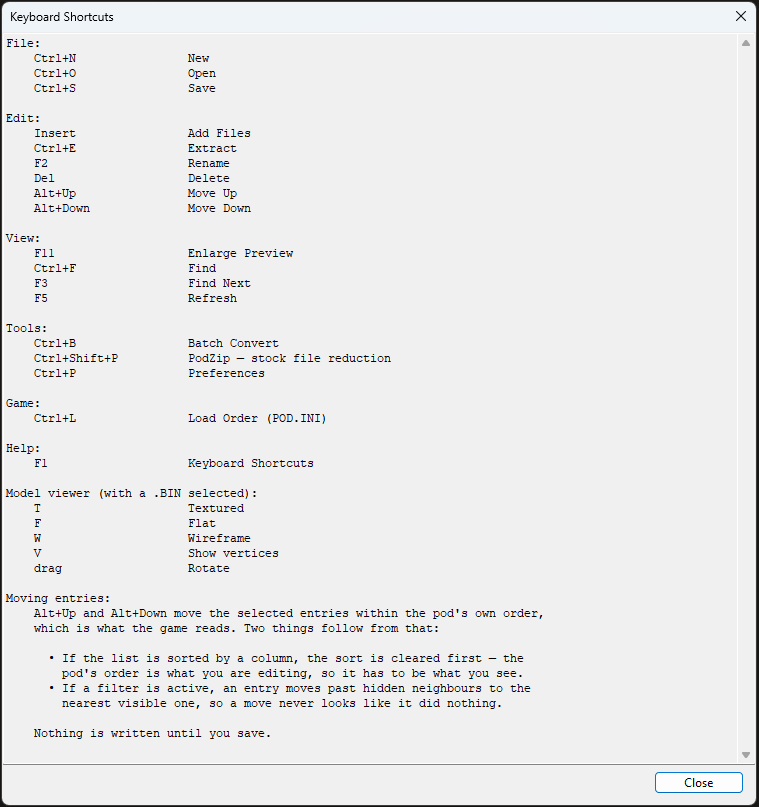
The program has its own copy of this list at Help → Keyboard Shortcuts, or F1. That one is read out of the menus themselves, so it cannot fall out of date the way a written list can. This page is here for people deciding whether to download.
| Key | Does |
| Ctrl+N | New |
| Ctrl+O | Open |
| Ctrl+S | Save |
| Insert | Add files |
| Ctrl+E | Extract |
| F2 | Rename |
| Delete | Delete |
| Alt+Up / Alt+Down | Move the selection within the pod |
| Ctrl+F / F3 | Find, find next |
| F5 | Refresh |
| F11 | Enlarge the preview |
| Ctrl+B | Batch convert |
| Ctrl+L | Load order (POD.INI) |
| Ctrl+Shift+P | PodZip |
| Ctrl+P | Preferences |
| F1 | This list, inside the program |
With a model showing, these act on the viewport rather than the archive:
| Key | Does |
| T | textured |
| F | flat |
| W | wireframe |
| V | show the vertices |
| A | play or pause an animation control |
.SIT is the
more common need. Copy File and Copy Path are on the right-click menu instead.
