
Tools → Truck Editor builds and edits .TRK truck files with a live preview of the truck.
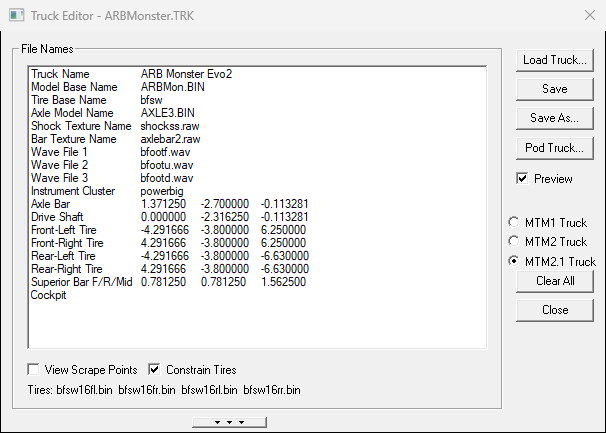
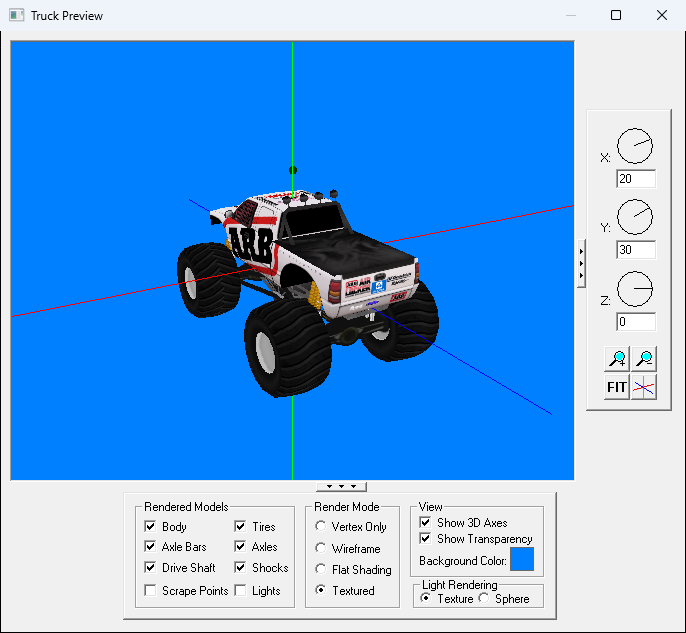
An MTM2.1 truck is an MTM2 truck with a second ("superior") axle bar, and it looks up its tires one per corner: <base>16fl, 16fr, 16rl, 16rr. The Truck Editor draws both. Both came in with Community Patch #2 (beta 0.42).
Rows with a problem turn red. When you save, BinEdit names the row and says why, such as too long, file not found, or which MTM2.1 corner tire is missing. Then it asks whether to save anyway.
Limits to know:
| What | Limit |
| Truck display name | 31 characters |
| Model, texture and sound names | 22 characters including the extension |
| Tire base name | 16 characters |
| The .TRK file name itself | 19 characters |
The Cockpit row names the truck's .CPT cockpit file. Type the name and BinEdit adds .CPT and makes it upper case. It looks for the file next to the truck, then in ..\Data, then in your Data folder (Preferences), then in the game's Data folder. Pod Truck lists any cockpit files it couldn't find before it builds the pod.
| << Pods | Cockpits >> |
