A desktop tool for viewing, extracting and building Terminal Reality POD
archives — the container format used by Monster Truck Madness 1 and 2,
CART Precision Racing, Hellbender, Terminal Velocity and Fury3. It also handles
POD2 (4x4 EVO, Nocturne).
It is based on the original WinPod by MDMRE.
The same program comes two ways.JPod is the Java build and runs
on Windows, macOS and Linux. KPod began as the same thing as a native Windows
application, for anyone who would rather not install Java, and has since gone further.
JPod is at V1.3.0. KPod is at V2.0.1, which adds a BIN model viewer with textures,
normal maps and animation, TGA and HD art, the Community Patch .SI2 and .TXV files,
switching a track or truck off in the game without touching it, and 4x4 Evo SMF models.
The same program, two platforms
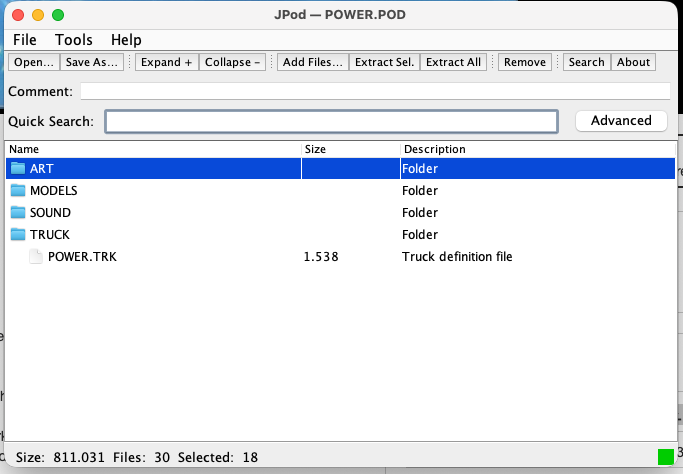
JPod on macOS — which is the point of it. Kmaster wrote it out of
necessity while developing JTraxx on an M-series Mac, so that working with MTM2
files need not mean Windows, Wine or a VM.
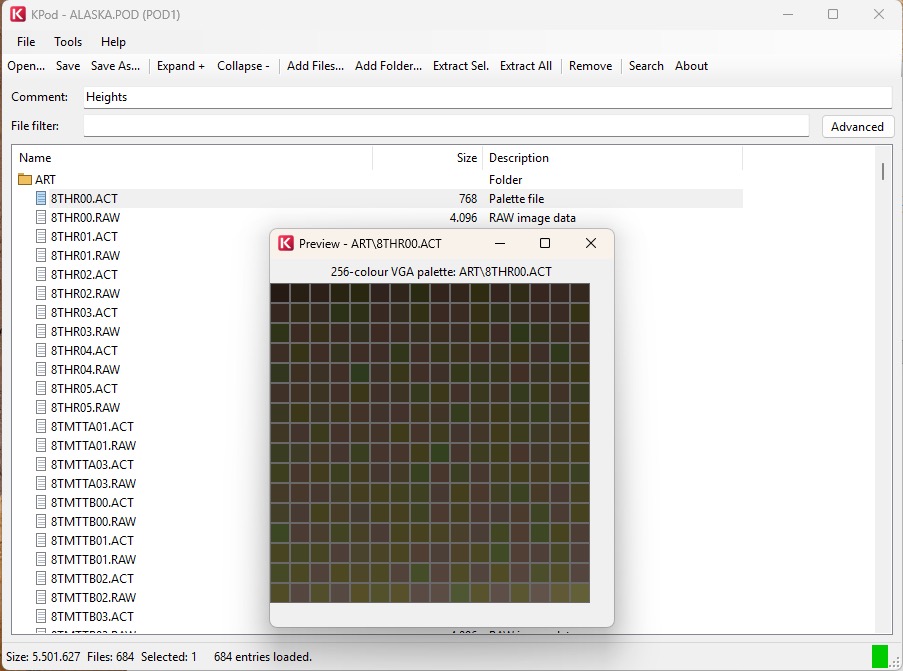
KPod on Windows. Same layout, no Java — it is built against
.NET Framework 4.8, which ships with Windows 7 SP1 and 10 and later.
Features
Archive viewing
Open .pod and .epd archives and browse them in a
file-viewer style table with Name / Size / Description columns.
Folders and subfolders are shown with icons and start collapsed, so root
files and top-level folders are easier to scan.
Click a column header to sort by name, size or description; click again to
reverse it, and a third time to return to the archive's own order.
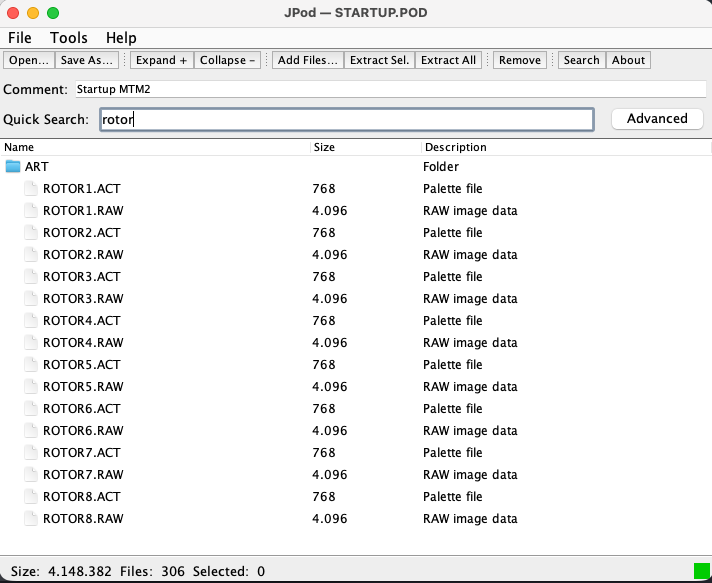
Quick search filters the visible entries as you type, and an advanced
search dialog does targeted searches and jump-to selection.
The archive comment (the 80-character POD header field) is editable below
the toolbar.
A list of the 10 most recently opened files, kept in a per-user config
file.
Collapsible folders.
Quick search, filtering by filename.
Extraction
Extract All writes every entry to a folder you choose, recreating
the archive's subfolder structure.
Extract Selected takes the highlighted entries, with the option to
keep or flatten the folder structure.
Archive building & editing
New Archive to start from nothing, or Open Response List File
to load a .lst and resolve each file from disk. PODTool-style
response files are understood, including podFilename:,
volumeName: and // comments.
Add Files by picker or by dragging them onto the table, and
Add Folder to import one recursively.
Create, rename and move folders, with internal drag and drop.
Replace from the right-click menu swaps one entry's data for a file
on disk, keeping its archive name.
Save in place, or Save As to a new file.
Validate Archive checks limits, unsafe and duplicate paths,
overlapping ranges, palette records, checksums and the output layout.
File preview
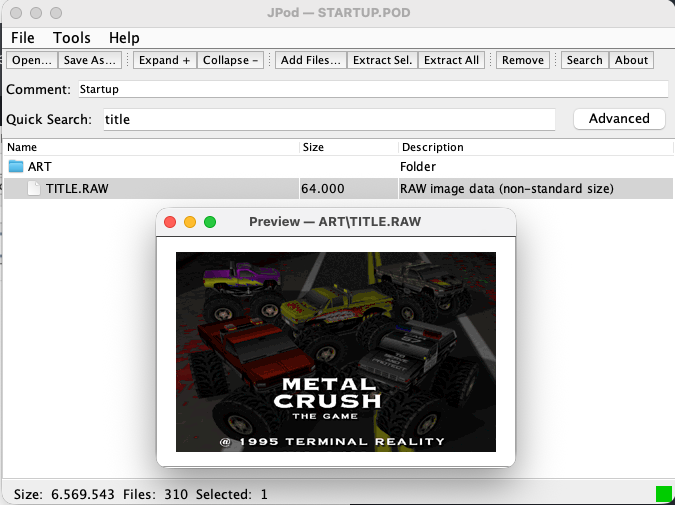
Double-click an entry, or choose Preview from the right-click menu, for a
type-aware preview.
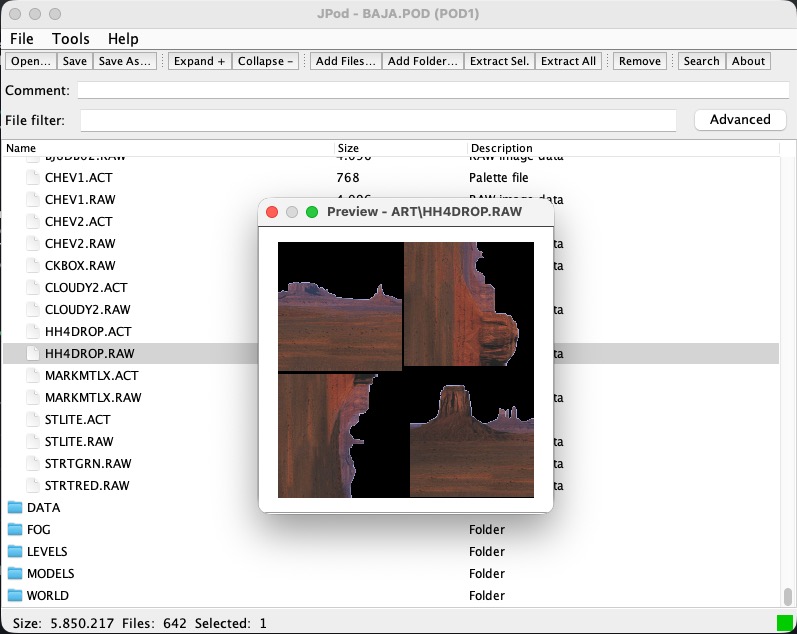
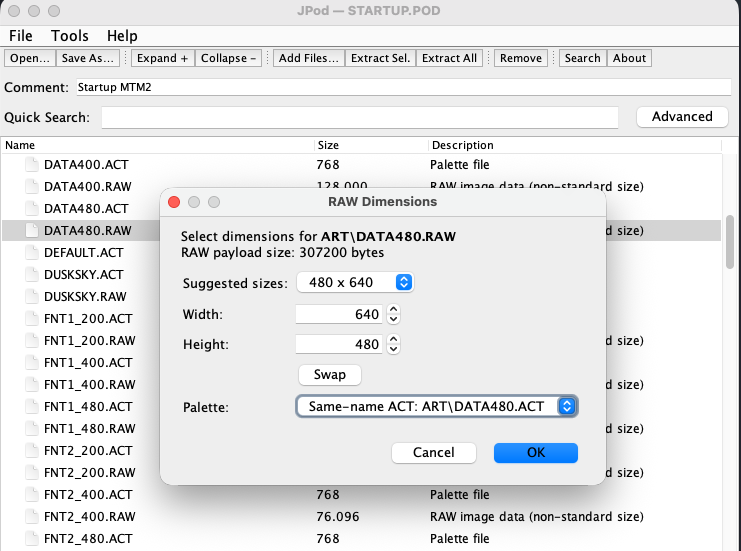
RAW images infer non-standard sizes rather than giving up on them, and the
palette can be chosen by hand.
RAW preview options — size inferring and palette selection.
Non-standard RAW sizes, handled.
Format support
POD1 — browse, preview, extract and save.
POD2 — opt-in and never the default, with timestamps, per-entry
and archive CRCs, and an audit trail for add, remove, replace, rename and
move. Explicit POD1 ↔ POD2 conversion warns before dropping
POD2-only metadata.
EPD — browse, preview and extract.
Reports
Save .inf exports a fixed-column report: filename, total size, entry
count, comment, and a padded name / size / offset table.
Save .lst exports a plain entry-name list the response loader reads
back.
What 1.3.0 fixed
The writer capped entries at 4096 while the reader allowed 8192, so
Hellbender's GAME.POD and its 4,341 entries opened fine and
then would not save. Both are 8192 now.
Entries keep their original directory field, so Fury3's embedded
.ACT palette names survive a re-save — renaming a RAW
keeps its palette.
Over-long comments and paths are refused rather than quietly truncated.
Archives with duplicate entry names are savable again. POD uses those as
overrides, so the validator now reports them instead of blocking the
save.
Payload offsets pointing inside the header or directory are rejected.
Download
KPod.exe — V2.0.1,
1,852k. Native Windows, .NET Framework 4.8, which ships with Windows 7 SP1
and 10 and later. Nothing to install. The BIN model viewer needs a graphics
driver with OpenGL 3.3.
jpod.jar — V1.3.0,
137k. Java, and the one to take on macOS or Linux.
The .jar needs a Java Runtime Environment, or Windows will not
know how to open it. You can get the latest JRE
here
(JDK 26.01); for Linux or macOS see the
download
page.