Most MTM2 skins are UV atlases: one image holds the body, cab and chassis pieces, with
dark gutters between them. A normal generator looks at the texels around each texel. At
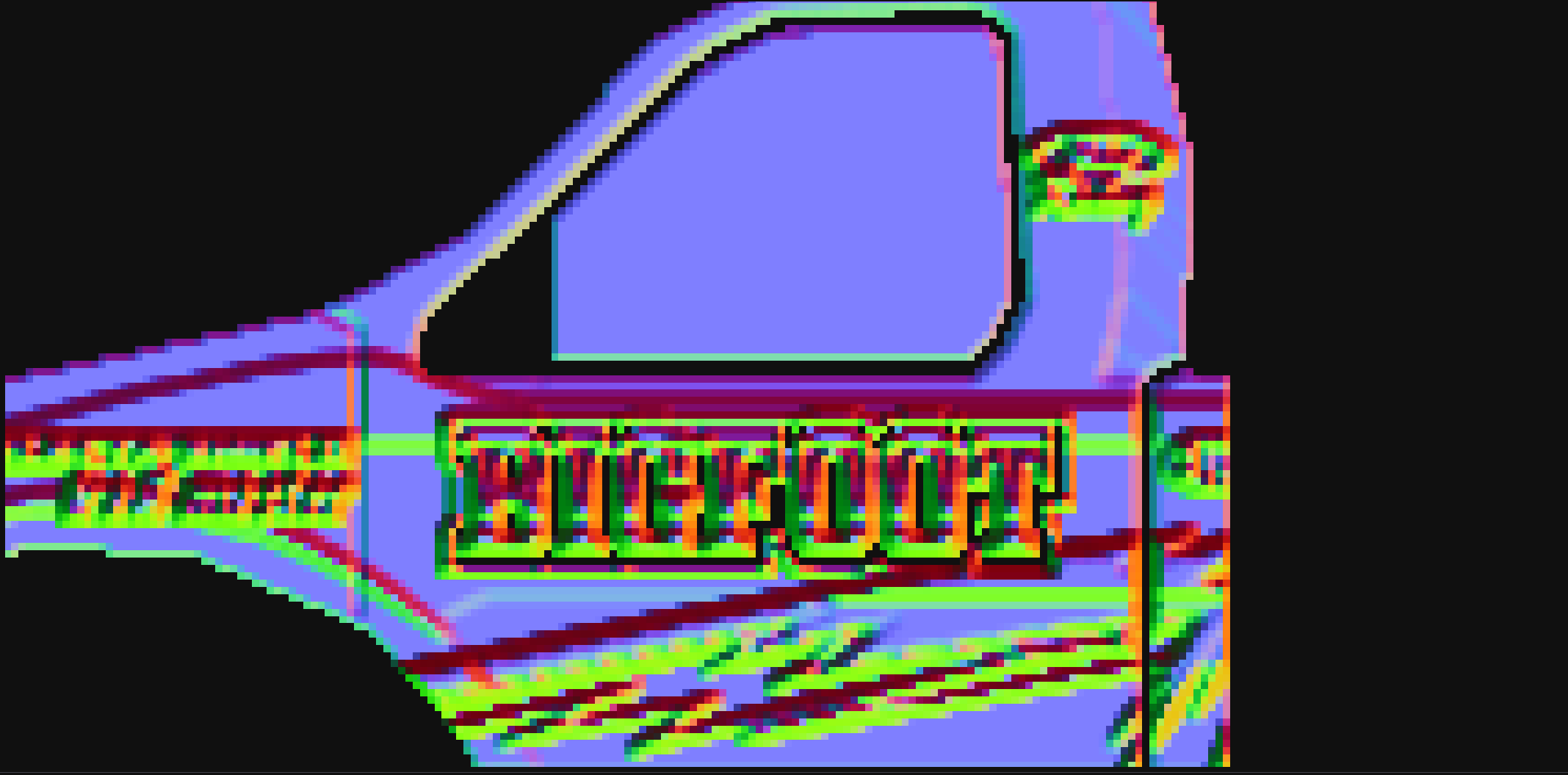
the edge of a piece it sees the dark gutter as a cliff, and it bakes a false rim around
every piece into _N and a dark seam into _AO. In the game, that
shows as an outline along every UV seam.
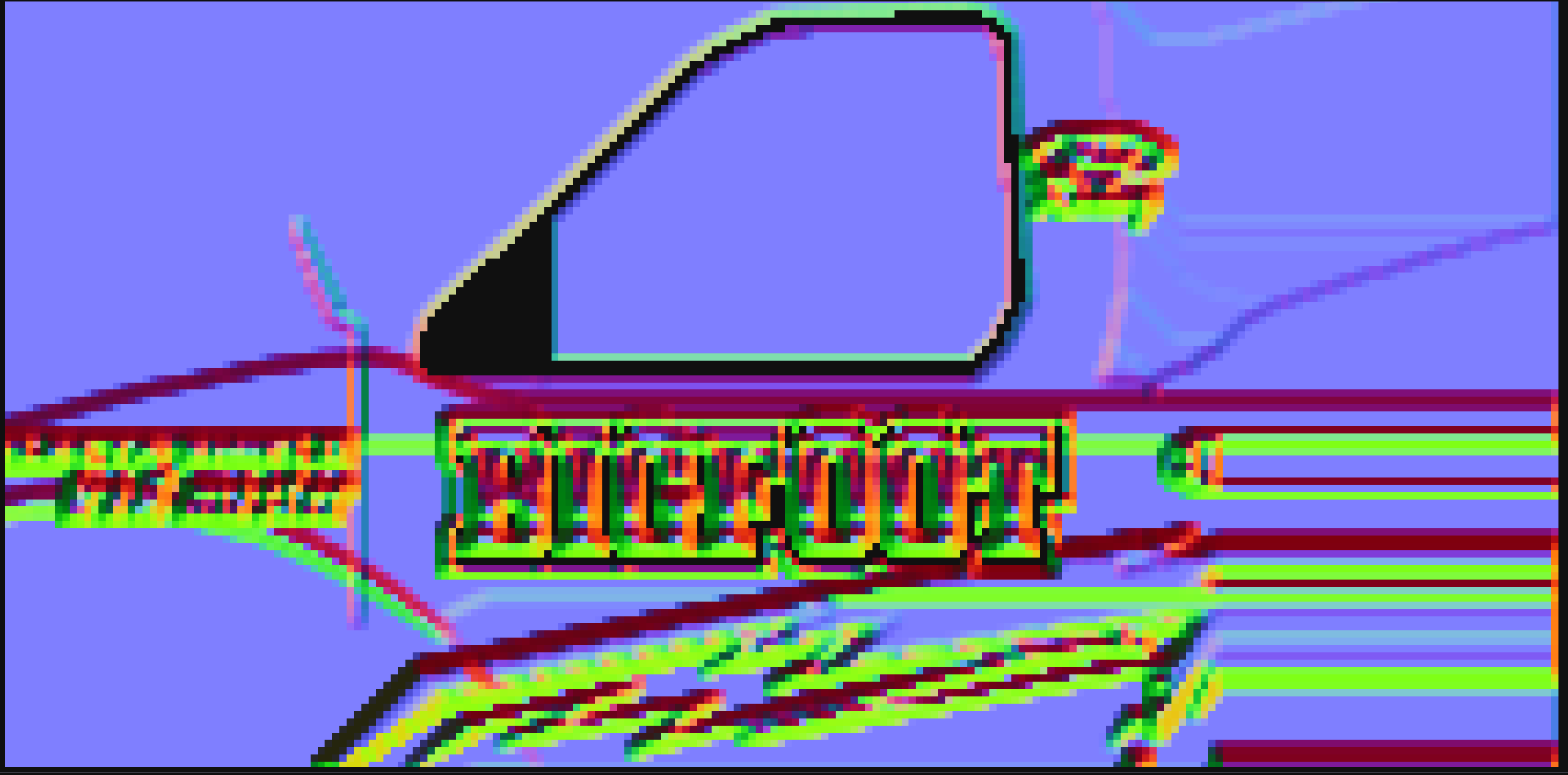
Gutter-aware fixes this. It finds the pieces, fills the gutters from the pieces around them before generating, and keeps the generated maps clean up to every edge.
When a texture you open looks like an atlas, VectorSlope asks whether to turn gutter-aware on. Tick Don't show this again to stop the question; Show the atlas warning in the Gutter-aware section brings it back. Hiding the question never changes your settings.
Click the Gutter mask thumbnail to see what was detected: pieces and gutter. If the detection does not match your atlas, draw the mask yourself (white pieces on black) and load it with Open mask... next to the source name. Clear mask goes back to the detected one.
The Bigfoot body skin’s normal map, zoomed in on one piece. Without gutter-aware, a false bright rim runs round every edge; with it, the gutters are filled flat and the rims are gone.