

Short cuts to menu options.
| Toobar button |
Menu equivalent | What it does |
 |
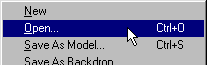 |
Browse to a saved *.bin file to work on in binedit. |
 |
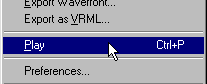 |
Automatically rotate the model horizontally. Click again to stop. |
 |
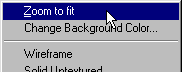 |
Fits the model so that it fills the binedit working area. |
 |
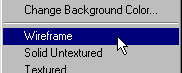 |
View the model so you see only vertex and face outlines. |
 |
 |
View the model so you see faces, but without textures. |
 |
 |
View the model with mapped textures. |
 |
 |
Center the selected face in the working area. |
 |
 |
Same as Ctrl+X - deletes current face. |
