
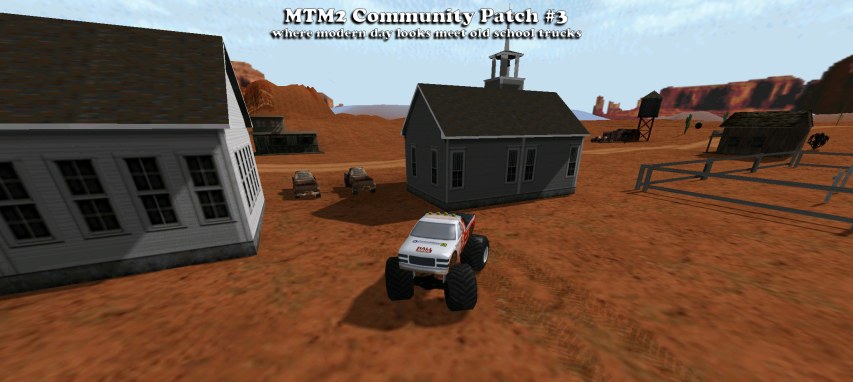
What are the community patches?
The MTM2 community patches are an attempt to freshen up the game and bring it in line with
more modern systems. Ranging from modern resolutions to increases in game limits to porting
the game to a more modern graphics API.
So what is #3?
The biggest one by a long way. Patches #1 and #2 stretched the original 1999 engine —
further draw distance, modern resolutions, higher limits. #3 changes what the game is drawing
with. There are now DirectX 11 and Vulkan renderers, and with them the
things a 1999 renderer could not do: real shadows, real reflections, and surface relief on art
that has none of its own.
It is still MTM2. Your tracks and your trucks still work, unchanged.
What is actually new?
Two modern renderers. DirectX 11 and Vulkan, alongside the old paths. This is what everything below is built on.
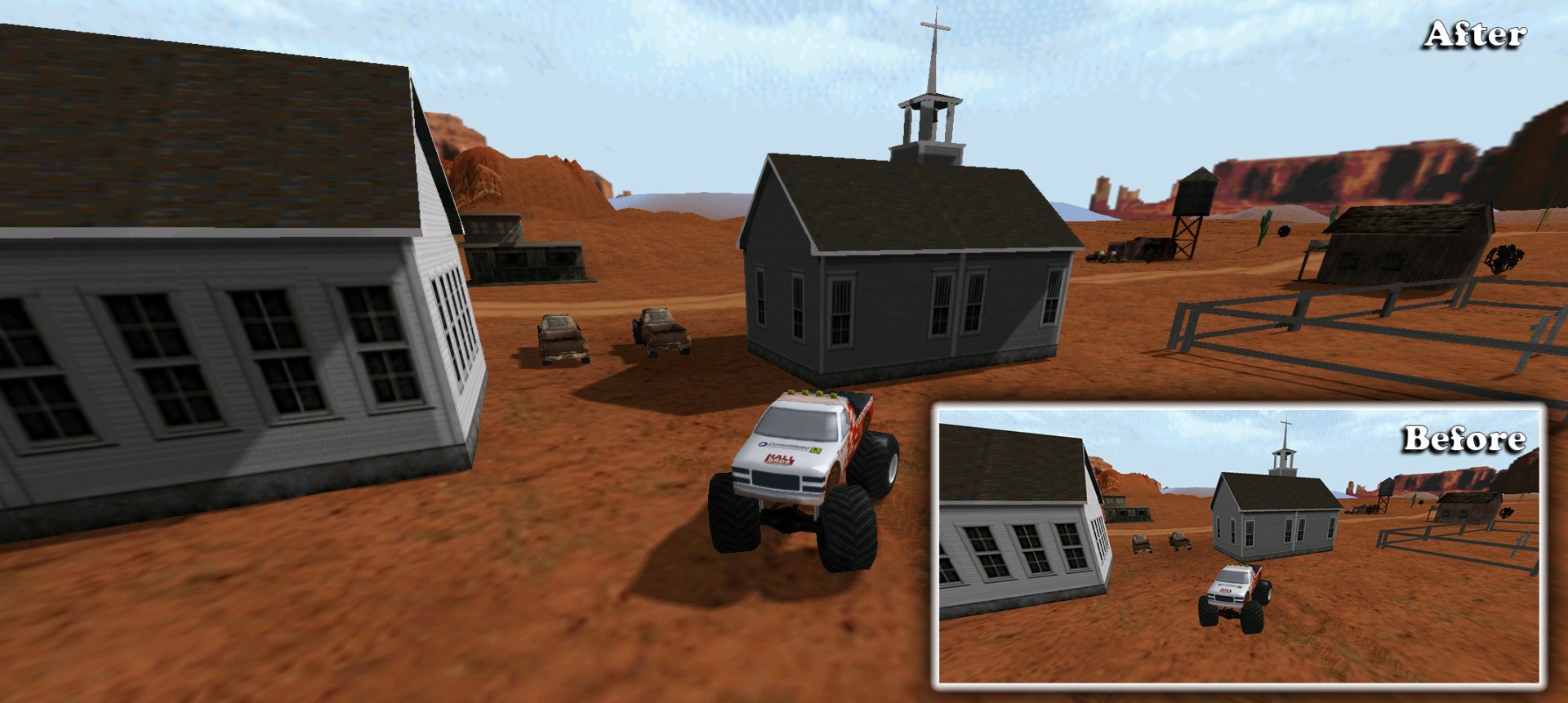
A real shadow system. Objects cast and receive shadows properly, rather than the flat blob the original drew under a truck.
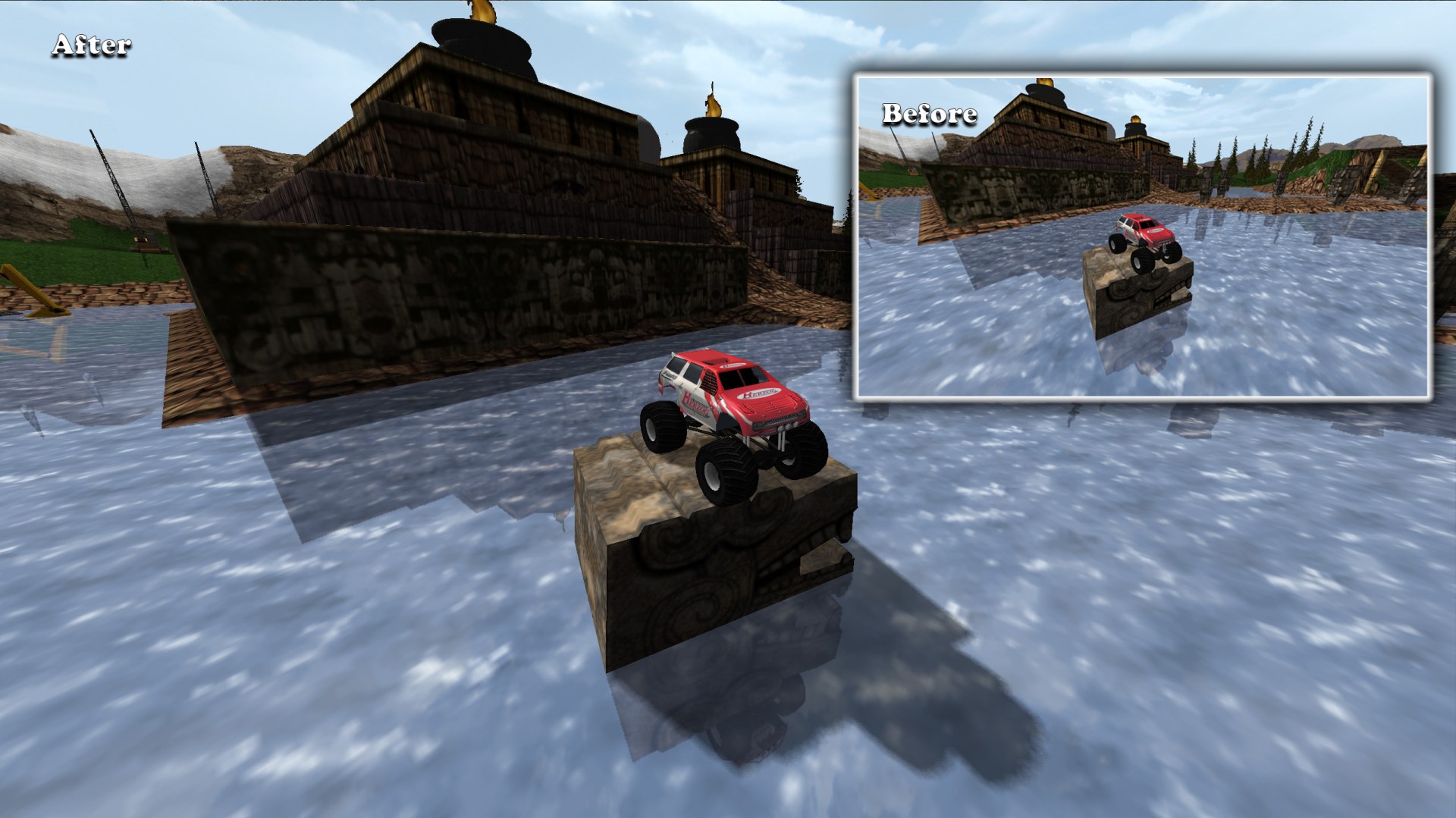
Real reflections on trucks. Bodywork picks up what is around it instead of a fixed sheen.
Normal maps. Surface relief — panel lines, tread, rivets, brick —
on art that is otherwise flat. The part worth knowing if you make things:
no model change is needed. The engine works the relief out per pixel, so
there is no re-export, no new format, and nothing to update in the ~51,700 models already out
there. Drop a file named <texture>_N.png in beside the texture and it is
used — even for a legacy .RAW that has been in the game since 1999.
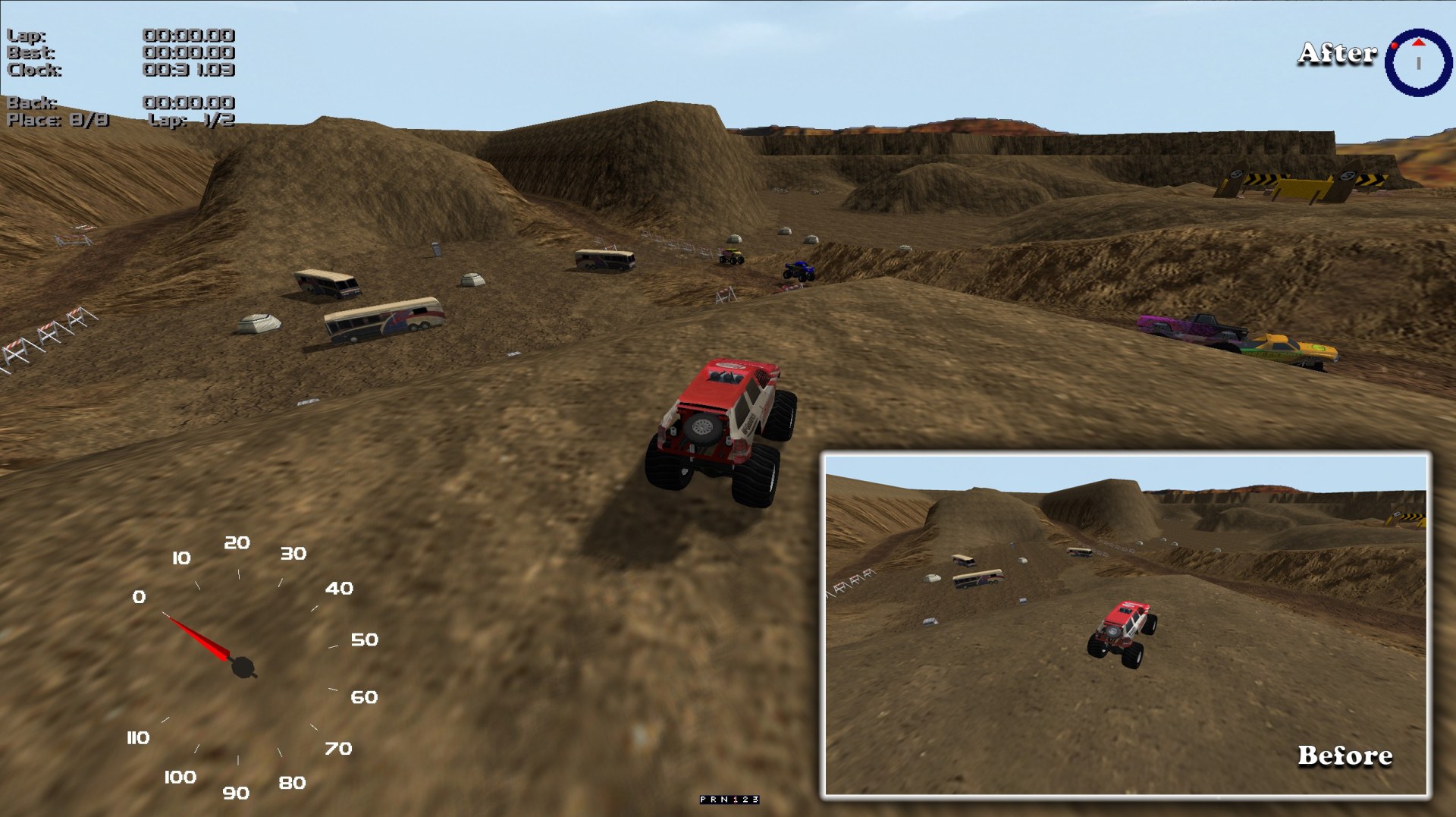
Terrain detail. Fine relief and shading on the ground, below the scale the tile art carries. It is opt-in per track, so every existing track is untouched until its author decides otherwise.
A new menu system. The original menu has been removed and replaced outright. The old one was a reliable source of crashes; this one is not.
Drags and Tournaments are back. Both modes work again.
Placeable lights. Track makers can now put actual light sources in a level, rather than baking brightness into the art.
HD art, properly. PNG and TGA are read directly, so the old
.RAW + .ACT palette pair is optional rather than required.
Bigger limits
Tracks kept hitting ceilings set when a fast machine had 32 MB of memory. Most of them
have moved a long way:
| Limit | Was | Now |
| Scenery objects in a track | 541 | 4608 |
| Unique models in a track | 1024 | 8192 |
| Model textures | 1024 | 4096 |
| Sounds in a track | 256 | 512 |
| Moving objects | 50 | 104 |
| Ramps | 10 | 100 |
| Crush cars | 10 | 100 |
| Mounted pods | 199 | 499 |
The 541 scenery limit is the one people will recognise. It was never a setting anybody chose
— it fell out of another number and had bounded every track ever built. It is gone.
Where to get it?
Before you download, please remember this is offered as is and there are no guarantees
it won't crash. Please BACK UP every original file before installing to ensure you can fall
back to the original game. If you have any issues, comments or suggestions, feel free to post
here in the forum.
MTM2 Community Patch #3 — installer (93 mb)
— the easy one. Point it at your MTM2 folder and it does the rest.
Or install by hand, if you would rather:
MTM2 Community Patch #3 — zip file (135 mb)
MTM2 Community Patch #3 — rar file (100 mb)
Upscaled videos — zip file (712 mb)
— optional, and manual install only. These are the same files as during the beta:
if you already have them, you do not need to download them again.
How to install?
With the installer: run it and point it at your MTM2 folder.
By hand: unpack the archive into your main MTM2 folder, overwriting the
original files.
The HD videos are always manual: unpack them into the MTM2 folder the same way.
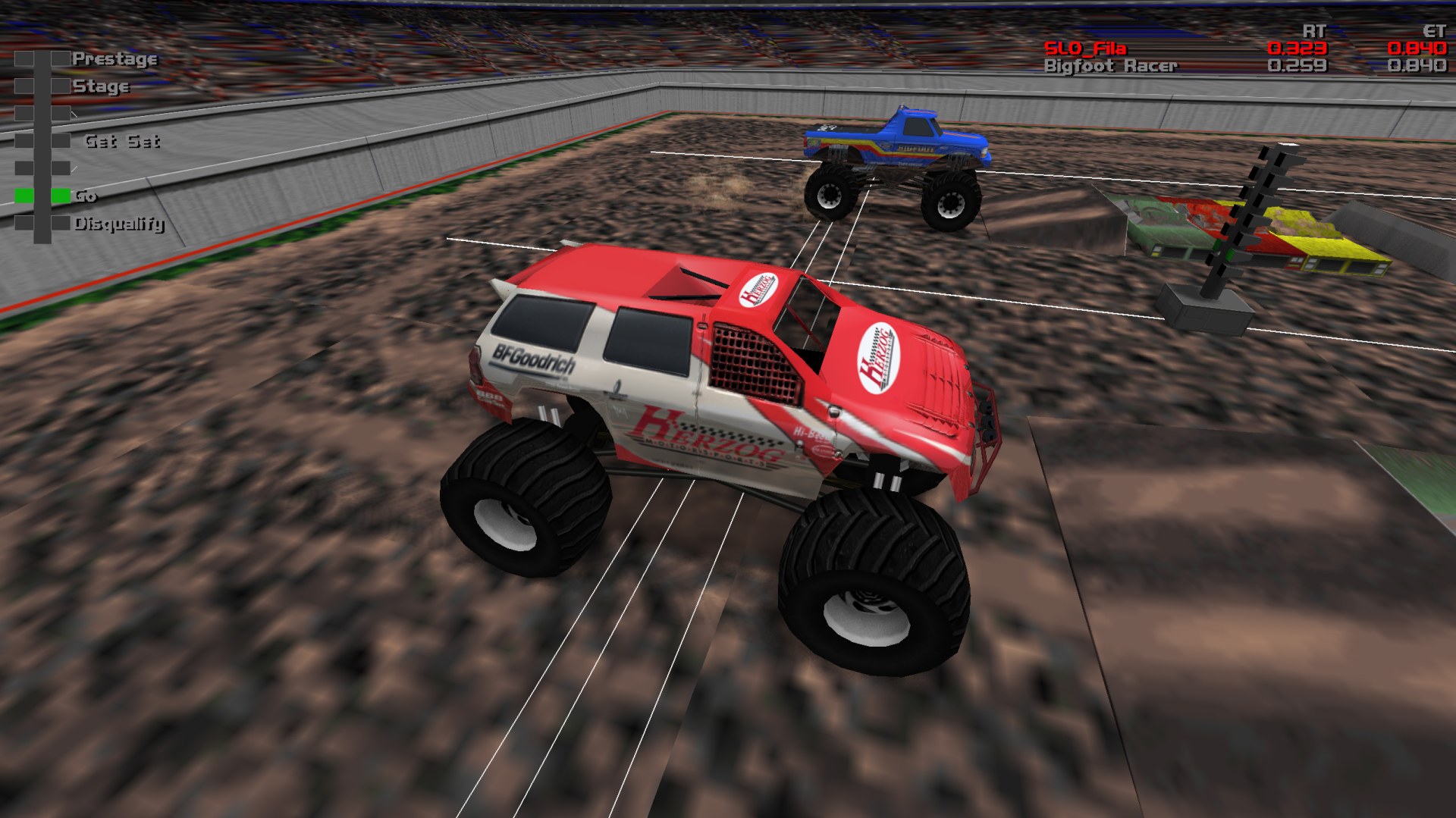
Before and After Gallery
The same places, before and after. Click any picture for the full resolution.
Known issues
None at the moment.
That is not the same as none existing, so if you find something, please post it
in the forum and it
will end up here. Patches #1 and #2 both carried a list worth reading before you
installed; this one does not, and that is the change.
Patch history
Archive: Community Patch #2 info page.
Archive: Community Patch #1 info page.
