

Re: MTM2 Beta Patch 0.48 - and we have Dx11

mtm2 and other sensible chat
Post Reply
User avatar
Fila
Member
Posts: 1785
Joined: Mon Jul 02, 2001 2:01 pm
Location: Lost in Translation
Contact:

Re: MTM2 Beta Patch 0.48 - and we have Dx11

Post by Fila »

New version of the beta. This requires some of the files (mainly the .pod files) from .46 but does not need .47 at all.

So what do we have in here.

Dx 9 - it's mostly the same as the hotfix#2 from the .47 version, except with fixing the flickers in Orient Express.

The bigger news is that we now have DX11... but a word of warning, it might now be as good news as you expect :)

So amusingly, DX11 on my machine using the identical settings runs with lower fps than Dx9. There IS some reason for this and that is because under the hood it has some extra bells and whistles that visually you can't really tell them apart but they are there. One of the things it does is do away with palettes, which is also going to make it easier to implement newer texture options in the future (something Kmaster wanted).
Now what IS interesting, at least on my system, is that while the baseline FPS is lower than Dx9 and the high end is also lower than Dx9 (I can never reach 300-400fps in lighter scenes as I do with Dx9), it seems that the fps overall are more stable. So while I hover around at 100fps when I feel like I should be getting more, if I throw heavier trucks at it... the fps doesn't really change. So that should be good. Either way, I personally will stick to Dx11 for the following reasons

- 16k Shadow Size Quality - if your FPS allows this, 16k will allow most of the world to be covered in immediate visual shadow. What this means is that you don't get to see that annoying shadow line being draw in the distance as you approach an object. This still happens, it's just that the drawing distance has been literally doubled (actually a little more than doubled).
PLEASE NOTE: This means that the black screen right after loading takes longer. The reason that black screen is happening is not due to a bug, it is the shadow map doing math and loading shadows for like 70% of the objects. And now it is taking longer than DX9 because it has twice the memory size to load for more accurate shadows. This whole black screen thing will eventually be "fixed" (as in, the illusion that it's gone) once I properly fix the menus. I have no desire to spend a day making the black screen go away and have it interact with the old menus without crashing only for me to later discard the whole thing.
This alone makes me wanna stick to dx11 because i hate that shadow line.

- another reason is Reverse Z buffer... this is a bit more technical but ultimately what this means is that there are no more artifacts in the far distance at the cutover line (you can test this with DX9) and the camera no longer goes under the terrain on steep downhills. Funnily enough this was the correct behaviour in Dx5 but DX9 broke that and it was never fixable. Dx11 fixed it.

- with Dx11, eventually I should be able to add nicer smoke/dust effects. I've started toying around with it but this is something that requires a lot of fine tuning because I've never done this before and I literally have no clue what I am doing, lol.

The big mystery that I have with 11 is how will it react with other machines. Will the FPS tank too much on some of your machines? will it somehow magically fix Rudees HDD issues? (it shouldn't but who knows at this point) Will it fix Kimiko's stadium?

So let me know, if you find any bugs that you have reported in the other thread... report them again please. I might have lost track of some of the stuff while I was trying to fix Rudee's issues.

Oh and Rudee, I think your idea of making an "object draw distance" and "terrain draw distance" separate and decouple them is a good idea. I'll do that for the next version probably. I actually added something like that specifically for the water reflection draw distance in Advanced Graphics this time around. This is all about toying around to allow users to set their own distances in order to help with the framerate.

UPDATE: Hotfix released
https://www.mtm2.com/~mtmg/misc/Beta0.48hotfix4.zip
User avatar
Fila
Member
Posts: 1785
Joined: Mon Jul 02, 2001 2:01 pm
Location: Lost in Translation
Contact:

Re: Re: MTM2 Beta Patch 0.48 - and we have Dx11

Post by Fila »

Oh and sidenote: in general the models in MTM2 are so broken :D it's hard to find two models alike (as in with the same technical design). This was fine until now when the game didn't have any realistic lighting but now when actual shadows are introduced, the issues come to light because each surface reacts different and I've been spending a lot of time fixing flickers with various models. And for performance reasons, I cannot implement a full real time shadow... well, somewhat. Actually the AMD Fix is exactly that, full real time shadow. For some reason in Dx9, AMD did not like baked shadows so I had to resort to that. Full real time shadow eats up way more fps than baked shadows for obvious reasons.

Actually Rudy that's a good test, can you run advanced shadows now without the "AMD Fix"?

Also, I've started working on toying with the water too, to replace the old water texture. Btw, since this was asked in another thread, this could allow implementing better water in the MTM1 tracks. It might be mostly DX11 only change but we will see.

Actually this gives me an idea, one of the things I was annoyed was that the game only allowed water at one height level. If I can successfully add water in the mtm1 tracks based on the water texture, I could then feasibly do the same to mtm2 and add water at different heights too, as long as someone correctly labels the water tile as "water" (which can be done in traxx).
User avatar
Ford-chan
Member
Posts: 230
Joined: Sun Feb 05, 2017 5:17 am
Location: Australia
Contact:

Re: Re: MTM2 Beta Patch 0.48 - and we have Dx11

Post by Ford-chan »

Mission Commander Ford-chan: "Fila... We have a problem."

Image

Image

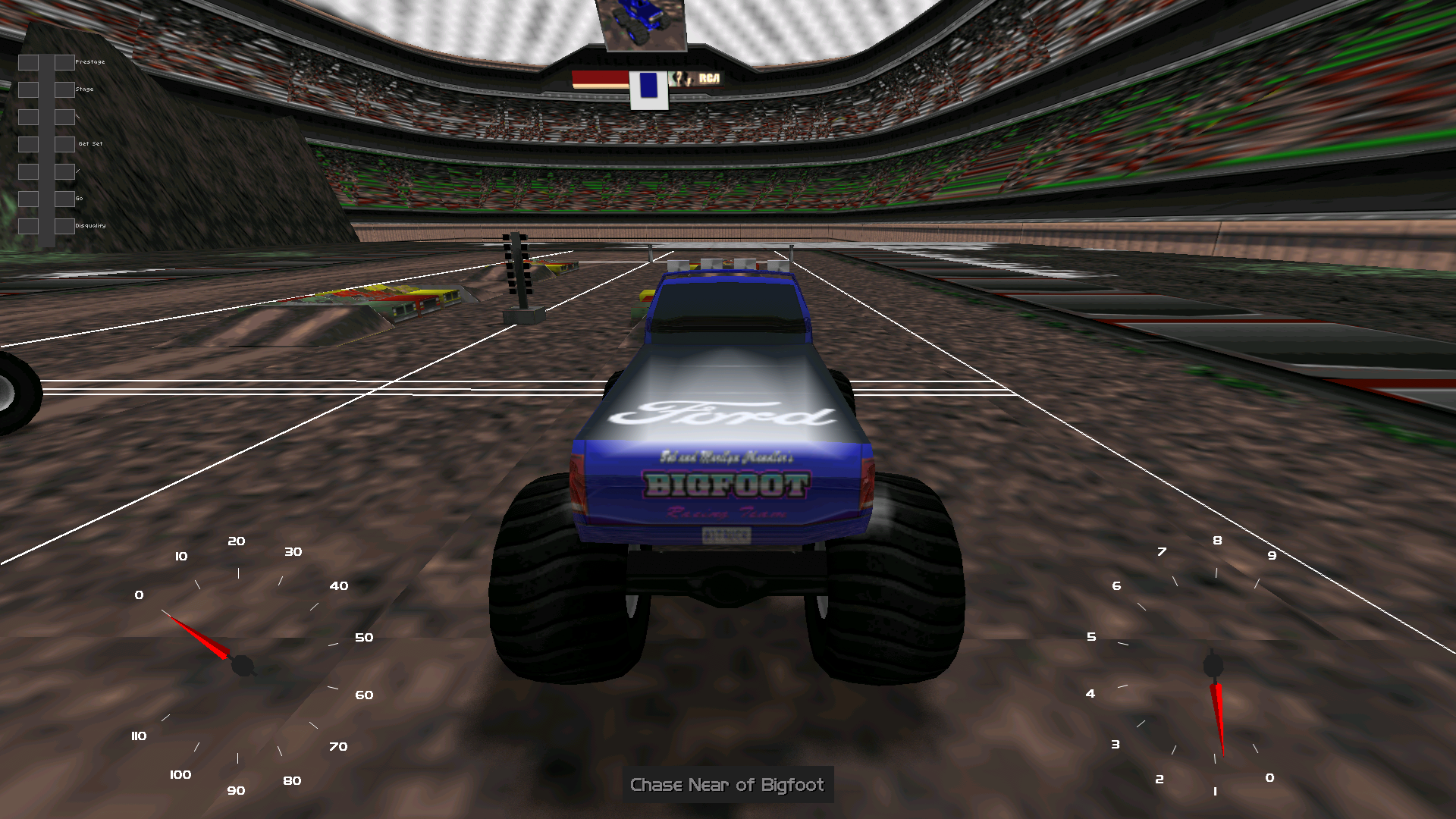
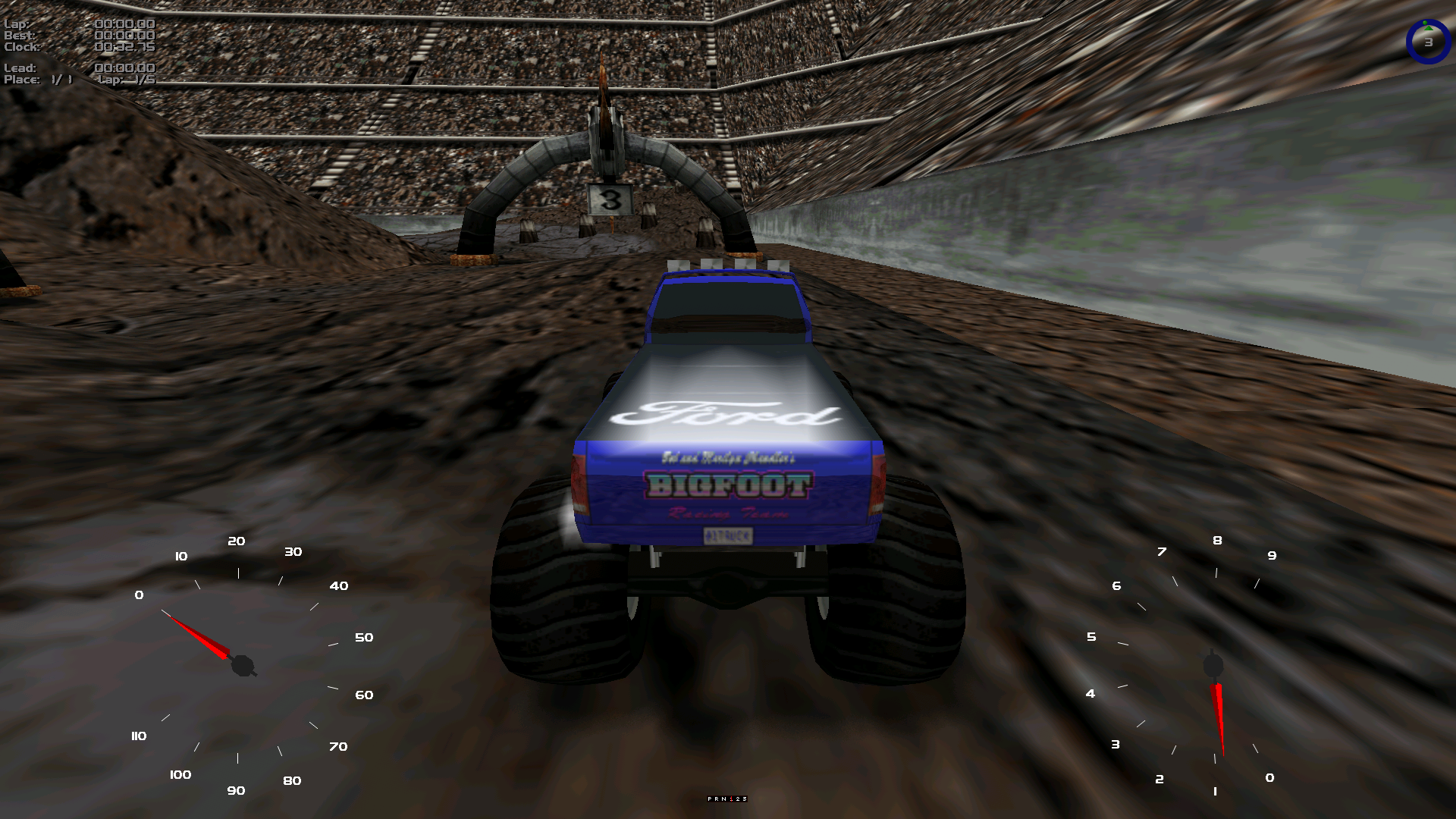
Not only have stadium/arena backdrops been given transparency issues, but now every time you land on a bridge (Crazy 98 and Sidewinder Canyon bridges) the truck will all of the sudden sink completely through the bridge, much like Big Rigs: Over The Road Racing in which the trucks in that game cannot drive on top of a bridge without falling through (but we all know the horror show from that game, lol!). Switching back over to the DX9 renderer fixes the stadium/arena backdrop issue, but not the sink through bridge bug.

Side note: I got Kimiko to run it on his end to see if the same thing happens over there, and not me only, looks like we're all affected.
User avatar
OG_RuDeE
Member
Posts: 130
Joined: Fri Apr 28, 2023 4:11 pm

Re: Re: MTM2 Beta Patch 0.48 - and we have Dx11

Post by OG_RuDeE »

Only a little time for testing before work, exciting that Dx11 is already ready for testing! Running on 5600 xt machine with ssd.

Some models now have flipped / broken textures in dx9 / 11. Bbobsled's checkpoints are broken in 9 and backward / broken in 11, and there is a tree in Zoonette Euro whose texture has been rotated 90 degrees.

In dx9, advanced shadows without the amd fix still doesn't render shadows on some objects. In dx11, shadows do render with amd shadow fix off.

Performance is a smooth 60fps on this pc with vsync on, and I get above 60 with vsync off, however there's some noticeable slight, regular chugging.

I noticed under some groundboxes in Zoonette Euro, the shadows may turn off and back on quickly. Not sure if it's when the camera comes in contact with them?

Oh, recording a clip caused no problem in dx11!

Anyway, great start! More later.
User avatar
Fila
Member
Posts: 1785
Joined: Mon Jul 02, 2001 2:01 pm
Location: Lost in Translation
Contact:

Re: Re: MTM2 Beta Patch 0.48 - and we have Dx11

Post by Fila »

Transparency issue:

lol - it was fine when I tested and then I did something to fix another transparency issue and it broke the stadiums. This is universal for everyone and it's tied to the reverse Z i was talking about. It's basically fine tuning bit by bit until I find the right value that works for everything!

The models:

Fixing the Orient Express flickering broke the other models. We'll see how this goes, there's a chance that when I fix these models, others will break because there's no standard to how models have been created in this game.

Trucks falling through bridges:

I think that is connected to me trying to fix the groundbox dead stop. Actually, can you test if this happens on .47 hotfix2? It should be using the same code. If hotfix2 works then it's another issue that's more confusing.
User avatar
Fila
Member
Posts: 1785
Joined: Mon Jul 02, 2001 2:01 pm
Location: Lost in Translation
Contact:

Re: Re: MTM2 Beta Patch 0.48 - and we have Dx11

Post by Fila »

OG_RuDeE wrote: Tue Jul 07, 2026 8:06 am
In dx9, advanced shadows without the amd fix still doesn't render shadows on some objects. In dx11, shadows do render with amd shadow fix off.
The shadow code did not change at all between Dx9 and Dx11. This simply means that AMD interprets the instructions in Dx11 correctly whereas it doesn't want to in Dx9. lol
User avatar
Ford-chan
Member
Posts: 230
Joined: Sun Feb 05, 2017 5:17 am
Location: Australia
Contact:

Re: Re: MTM2 Beta Patch 0.48 - and we have Dx11

Post by Ford-chan »

Fila wrote: Tue Jul 07, 2026 11:11 am Transparency issue:

lol - it was fine when I tested and then I did something to fix another transparency issue and it broke the stadiums. This is universal for everyone and it's tied to the reverse Z i was talking about. It's basically fine tuning bit by bit until I find the right value that works for everything!

The models:

Fixing the Orient Express flickering broke the other models. We'll see how this goes, there's a chance that when I fix these models, others will break because there's no standard to how models have been created in this game.

Trucks falling through bridges:

I think that is connected to me trying to fix the groundbox dead stop. Actually, can you test if this happens on .47 hotfix2? It should be using the same code. If hotfix2 works then it's another issue that's more confusing.
I can confirm that Beta. 47 (hotfix2) is exempted from this problem, so somewhere between hotfix2 and Beta 0.48 is where something buggered up. Apart from that, just driving on the tracks without the bridges, I'm really loving it, plus I've yet to reach a single, or at least not noticeable yet, lag from anything ranging from high detail trucks and tracks all at once, something that even with DX9 was still trying to breach itself through.
User avatar
Fila
Member
Posts: 1785
Joined: Mon Jul 02, 2001 2:01 pm
Location: Lost in Translation
Contact:

Re: Re: MTM2 Beta Patch 0.48 - and we have Dx11

Post by Fila »

That is interesting, so something in the DX11 logic stabilizes the fps more than it does DX9 even though, on paper, DX9 has higher minimum fps (at least on my machine). Which means that for gameplay smoothness, DX11 wins regardless of the "lower" fps.
I did make a minor groundbox adjustment between the two versions but that should NOT have affected the top side. Obviously it does so I will fix it (and actually, this might also point me to the larger groundbox dead stop problem by accident, lol)

Anyway, I am going to be busy for the rest of the week until Sunday, so this means I won't have as much time to put into this, I'm going to have to prioritize some hotfixes.

First up, tonight I'll do a hotfix for the stadium and the bridge as those are either gamebreaking (bridge) or really ugly visually (stadium).

For the models I will slowly work on them throughout the week. It's also very clear now that I have to keep a list of models handy (all the ones I've worked on) and check each and every one of them whenever I make a change. lol
Also up until now when making changes I tried to do parity between dx9 and dx11 (sharing models logic between them) but due to DX11 being more accurate behind the scenes, it looks like it breaks stuff in dx9 and I might have to start fixing models independent of each other. We'll see how this goes.
User avatar
OG_RuDeE
Member
Posts: 130
Joined: Fri Apr 28, 2023 4:11 pm

Re: Re: MTM2 Beta Patch 0.48 - and we have Dx11

Post by OG_RuDeE »

On the 6650 xt machine now with ssd. Getting 100ish fps on average at 1080p, and more like 60ish at 1440p. Hopefully we can find some performance tweaks when your time frees up again.

For the bridges, I was only able to fall through the crazy 98 bridge. All others that I tested were fine, e.g. sidewinder, bobsled, maybe a couple others. On C98, after falling through the bridge from the jump, I drove onto the bridge fine, but when an AI hit me, I fell through again.

I also notice some lighting isssues on all ground boxes, see the screen shot. Looks like a UV issue.


For the models, the checkpoints on Bobsled have different behavior on the 6650. I see half with the texture in the forward direction and half reversed. I'm guessing this is the faces from the backside of the flat model showing on the wrong side.
User avatar
Fila
Member
Posts: 1785
Joined: Mon Jul 02, 2001 2:01 pm
Location: Lost in Translation
Contact:

Re: MTM2 Beta Patch 0.48 - and we have Dx11

Post by Fila »

Yeah was aware of the shadow thing but didn't wanna touch it for now, afraid it might mess up shadows on other stuff.

The bigger issue is that the models have a different behavior between your two machines. That's such an eff me situation because now we need to continuously test between your two machines until I can figure out what the hell is going on.

Don't think there's any more fps i can squeeze out of this. The answer is probably decoupling the object and terrain draw distances and let you find the settings that work best for you.
User avatar
OG_RuDeE
Member
Posts: 130
Joined: Fri Apr 28, 2023 4:11 pm

Re: Re: MTM2 Beta Patch 0.48 - and we have Dx11

Post by OG_RuDeE »

Fair enough. I'm surprised the 6650 doesn't perform better in DX11, as other modern games (e.g. Wreckfest 2) run great with it at 1440p, but overall I'm very happy with how the game plays. I'm sure I can figure out some more tweaks on my end. In general, I'm very happy with what you've done. The game now looks and plays great. I see definite visual improvements in DX11, everything looks "richer." So, keep it up, and thank you for doing this!

Just tested 6650 on hdd, and get similar performance to SSD. So, that good!

I noticed a couple other issues / bugs: Water discoloration / reflection changing when flying off of a jump over a body of water. In DX11, it looks like the reflections have been dulled down, but sometimes when in the air the old very shiny water appears for a minute. Then when I'm back on the ground, the new water look appears. This happens on both HDD and SSD.

Some ground boxes are slippery as heck. On Fila's Adventure Redux, just after CP 7, there is a left turn on some boxes with dirt texture on top, and I and the AI slide on them like ice.

Finally, on HDD on Sidewinder, I did partially clip through one of the ground boxes after jumping onto the bridge, but the game popped me out on top. I've had this happen before DX11 though, maybe before DX9 too. Crossing my fingers that whatever fix you implement for Ford-Chan will just work for me too. :D
User avatar
Fila
Member
Posts: 1785
Joined: Mon Jul 02, 2001 2:01 pm
Location: Lost in Translation
Contact:

Re: Re: MTM2 Beta Patch 0.48 - and we have Dx11

Post by Fila »

Actually, i didn't go into details. In the current situation, I think the fps is as high as it can go. However for DX11 there's a surprising element which might affect the speed and they is the 2D overlay that's currently showing the speedometer and the map and the lap info (and the broken cockpit).

That 2D overlay has some behind the scenes weird wizardry connected to the excel spreadsheet menus and basically it's hard to remove them or switch them over to the gpu. I tried and it tanked the fps by 20, lol

Anyway, the only real way to try and find a true solution to this and potentially increase the fps is doing away with the menus and then completely overhauling the logic of the 2D overlay.

And I guess that should be the hard next step. Once we're done finding visual artifacts and dx9 and 11 are in a state of visual correctness with the original game, I'm going to move onto doing the menus which will also result in a few other things being improved.

And then there's also the multithread issue which mtm2 has none of right now. Adding multithread is a huge architectural change and I don't want to touch it until I'm comfortable I don't need to immediately work on anything else. Lol
User avatar
OG_RuDeE
Member
Posts: 130
Joined: Fri Apr 28, 2023 4:11 pm

Re: Re: MTM2 Beta Patch 0.48 - and we have Dx11

Post by OG_RuDeE »

That all sounds reasonable. Thanks for the extra info. Potential future gains (but lots of work)!

A little more on the water: I tried some other weathers and tracks, and it looks like some kind of issue with the reflection of the sky color toggling on and off kind of sporadically. It's especially apparent on my Kryptik Mountains track at dusk. The sky will be reflected in the water, then it will suddenly disappear from the reflection. I currently have the water reflection distance as high as it can go.

This is what it looks like from one position to the next:

User avatar
OG_RuDeE
Member
Posts: 130
Joined: Fri Apr 28, 2023 4:11 pm

Re: Re: MTM2 Beta Patch 0.48 - and we have Dx11

Post by OG_RuDeE »

Just crashed through a ground box after a jump on ZooN MooN just after CP2 on two attempts in DX9. :(

Tried DX11 too, made the landing on the first lap, fell through on the second lap. AI were falling through and using the heli.

PS. ZooN MooN is amazing in pitch black!
User avatar
Ford-chan
Member
Posts: 230
Joined: Sun Feb 05, 2017 5:17 am
Location: Australia
Contact:

Re: Re: MTM2 Beta Patch 0.48 - and we have Dx11

Post by Ford-chan »

Ground boxes, bridges, the game always hated them since Day 1 of 1998. :lol:
User avatar
Kmaster
Member
Posts: 1468
Joined: Fri Oct 10, 2003 6:19 pm
Location: Valparaíso, Chile.
Contact:

Re: Re: MTM2 Beta Patch 0.48 - and we have Dx11

Post by Kmaster »

hell, we have all to go into QA mode now. :lol: but let's remember you are doing a job that years ago requiered a team of experts. so my hats off to you man. these changes are coming very quick

have you considered using bug tracking software like bugzilla? maybe it can help track issues better than a forum thread
User avatar
Ford-chan
Member
Posts: 230
Joined: Sun Feb 05, 2017 5:17 am
Location: Australia
Contact:

Re: Re: MTM2 Beta Patch 0.48 - and we have Dx11

Post by Ford-chan »

Kmaster wrote: Tue Jul 07, 2026 6:46 pmhave you considered using bug tracking software like bugzilla? maybe it can help track issues better than a forum thread
Where do you even know these programs from? You might want to start a development team with Fila and this source code at this stage in that sense, hehe! :D
User avatar
Kmaster
Member
Posts: 1468
Joined: Fri Oct 10, 2003 6:19 pm
Location: Valparaíso, Chile.
Contact:

Re: Re: MTM2 Beta Patch 0.48 - and we have Dx11

Post by Kmaster »

Ford-chan wrote: Tue Jul 07, 2026 7:01 pm
Kmaster wrote: Tue Jul 07, 2026 6:46 pmhave you considered using bug tracking software like bugzilla? maybe it can help track issues better than a forum thread
Where do you even know these programs from? You might want to start a development team with Fila and this source code at this stage in that sense, hehe! :D
I've been a software engineer for more than a decade so its my job to know all these programs, methodologies and stuff.

regarding your suggestion I wish I could help Fila but I can't, because i don't have legal access to the code. It's behind a NDA that Fila signed a while ago and sadly I couldn't contact the code owner (Terminal Reality)
User avatar
Fila
Member
Posts: 1785
Joined: Mon Jul 02, 2001 2:01 pm
Location: Lost in Translation
Contact:

Re: Re: MTM2 Beta Patch 0.48 - and we have Dx11

Post by Fila »

I've instructed the AI to keep a history from now on for all these models, maybe this way we can eventually reach a common fix for everything. We probably missed a few of them but oh well. We'll just have to find them again :)
User avatar
Fila
Member
Posts: 1785
Joined: Mon Jul 02, 2001 2:01 pm
Location: Lost in Translation
Contact:

Re: Re: MTM2 Beta Patch 0.48 - and we have Dx11

Post by Fila »

Ugh, I'm going to have a very bad day again after I'm about to only sleep 4h again. Anyway, here is a hotfix where I fixed most of the stuff in here.

Groundboxes work as they usually worked. Whatever I tried fixing didn't do well so I will need to pick this up again.
They are usually slippery. This is a bug but many tracks have made use of this on purpose so I won't change it. Fila's Adventure is slippery like that on purpose.

Rudee, if you see shadows going in and out, what Shadow Size are you using?

Kimiko... how's the stadium?

http://www.mtm2.com/~mtmg/misc/Beta0.48hotfix2.zip <--- previously put up the wrong link.
Post Reply

