

truck request

truck request
can some one make a max-d w/o body for me
-
Roadknight

- Member
- Posts: 614
- Joined: Mon Dec 17, 2007 1:42 pm
I don't see a "please" in that request :/
And asking for other people to make something for you is not the best way to start off. Even if you're new, you should try to learn how to make it yourself, it may be hard at first, but with practice it is possible, and well worth it if no one has made it before, or at least not a very good quality one.
And asking for other people to make something for you is not the best way to start off. Even if you're new, you should try to learn how to make it yourself, it may be hard at first, but with practice it is possible, and well worth it if no one has made it before, or at least not a very good quality one.
-
TlathamXmahtalT

- Member
- Posts: 702
- Joined: Sun Jun 08, 2008 7:46 am
- Location: In BinEdit, using YOUR models.
- Contact:
http://www.runt9.com/mtm2tutorials/truc ... torial.htmrobo18 wrote:hey,
does sombody knows how to take a body from a monstertruck (maximum destruction)
grtz robin
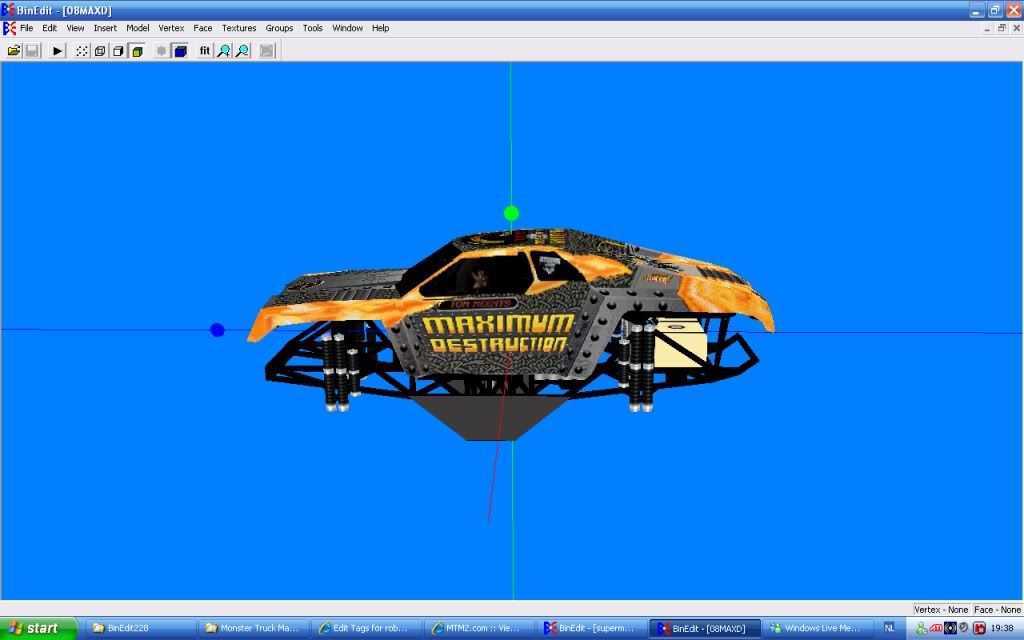
Just ignore the paint... Instead of deleting the frame, delete the body.
Well, what are you waiting for? Get crackin'!
-
TlathamXmahtalT
- Member
- Posts: 702
- Joined: Sun Jun 08, 2008 7:46 am
- Location: In BinEdit, using YOUR models.
- Contact:
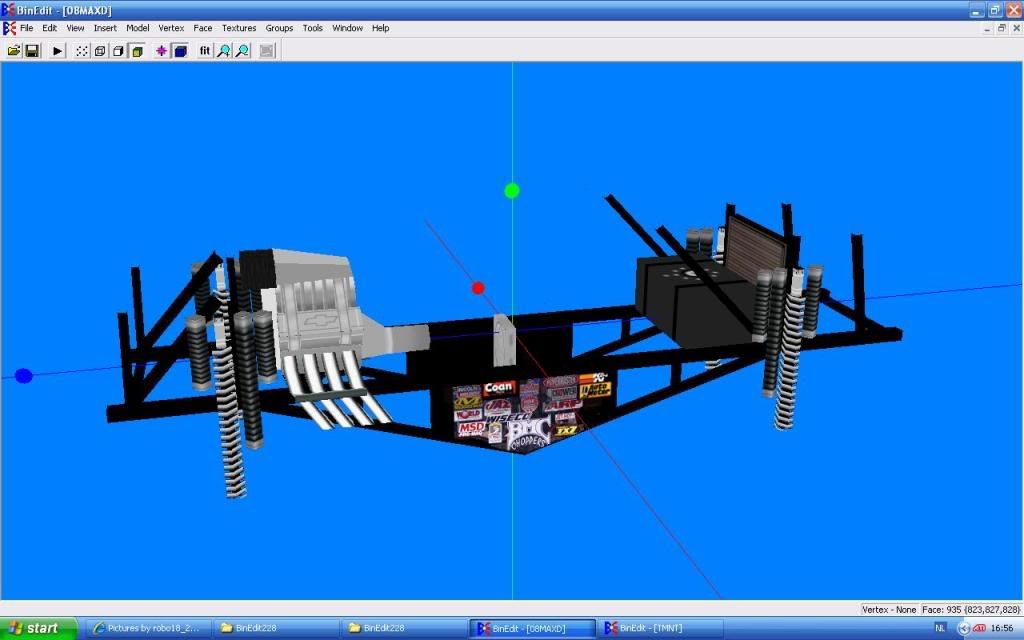
Well, you're pretty much done at this point. Most people don't use full frames because you can't see them, but mainly because they take up vertices and cause lag.robo18 wrote:i tried that but this is wat you get.
http://i268.photobucket.com/albums/jj16 ... /max-d.jpg
what can i do to finish this
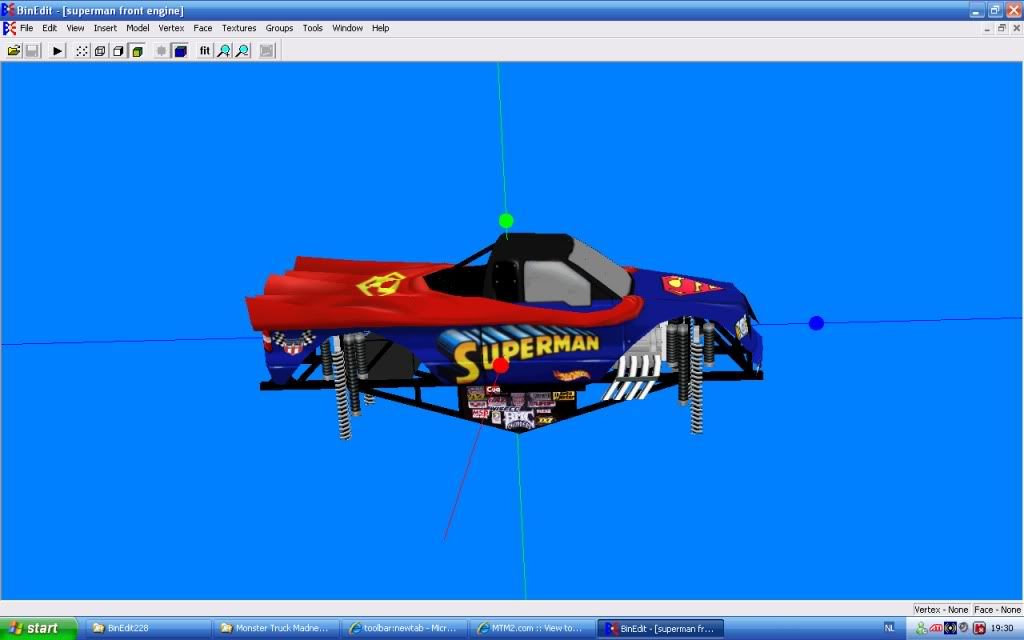
If you want to put a body on it, follow the tutorial, and delete a frame this time instead of a body.
And if you want to learn how to move things, I suggest this tutorial by yours truly.
viewtopic.php?t=5935
-
TlathamXmahtalT
- Member
- Posts: 702
- Joined: Sun Jun 08, 2008 7:46 am
- Location: In BinEdit, using YOUR models.
- Contact:

The easiest way is to read the tutorials.robo18 wrote: but how do you pod it?
For now, save all files (BIN and ACT and RAW) with unique file names so they don't conflict with anything else in the game. Then edit the TRK file with the changes and save that with a unique name. Then use cpod
http://cownap.com/~mtmg/repaint/trk.shtml
or binedit... to assemble it all together into a pod.
-
TlathamXmahtalT
- Member
- Posts: 702
- Joined: Sun Jun 08, 2008 7:46 am
- Location: In BinEdit, using YOUR models.
- Contact:
People would love to tell you to go here...robo18 wrote:hey,
i'am from belgium but maby sombody can make the belgium monsterjam europe stadion
grtz robin
http://www.runt9.com/mtm2tutorials/trac ... torial.htm
But since I'm a nice guy... I don't think anyone is working on it right now, and I'm not that good of a track maker, so I guess you're S.O.L. right now, unless someone is making it.
-
TlathamXmahtalT
- Member
- Posts: 702
- Joined: Sun Jun 08, 2008 7:46 am
- Location: In BinEdit, using YOUR models.
- Contact:
Check the names of the parts. If they're over 8 characters, they won't work. The eight letter/number limit does not include the .bin extension. If you pod it on that computer, It MAY work in-game because the model will be in the game's models folder , but if you up-load it or take it to another computer, it won't work in game and the model won't load in BinEdit.
Admin of the MTM2 Draggers facebook page, find it here!
https://m.facebook.com/groups/337032006 ... =bookmarks
Nat Gage (She/They, pls)
I used to be PM Customs but now I'm taking meds for that ;)
https://m.facebook.com/groups/337032006 ... =bookmarks
Nat Gage (She/They, pls)
I used to be PM Customs but now I'm taking meds for that ;)